Creating Bundles in Bulk
Bulk Creating Bundles
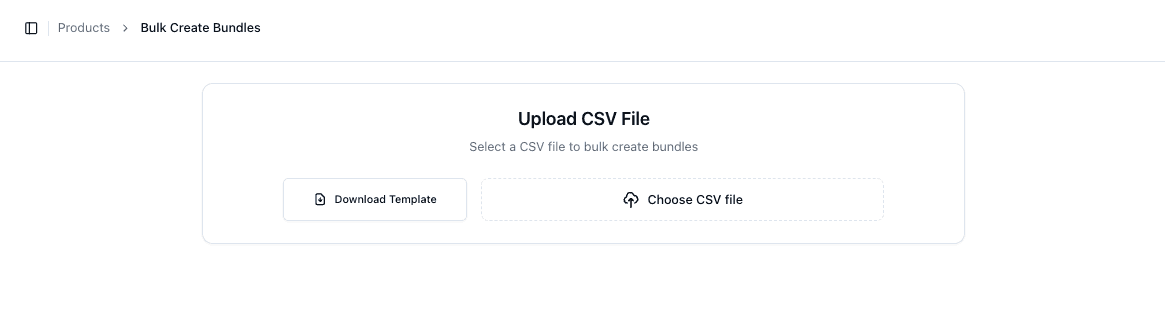
You can create multiple bundles at once using a CSV upload.
Navigate to:
• Products → Bulk Create Bundles
Downloading the Template
Before uploading, download the template:
• Click Download Template
This ensures your file is in the correct format
Preparing the CSV File
Your CSV must include:
• Bundle Name
• Bundle SKU
• Product SKUs
• Quantities
Each row represents part of a bundle definition
Uploading the File
To upload your file:
• Click Choose CSV File
• Select your prepared file
The system will process and create bundles automatically
Validation and Errors
If there are issues in your file:
• The upload may fail
• Errors will indicate missing or incorrect data
Common issues include:
• Invalid SKUs
• Missing quantities
• Incorrect formatting
Important Notes
• All SKUs must already exist in the system
• File format must match the template exactly
• Duplicate bundle SKUs will cause errors
• Large uploads may take time to process
FAQs
What happens if a SKU doesn’t exist?
That bundle entry will fail to create
Can I upload multiple bundles in one file?
Yes — the CSV supports bulk creation of multiple bundles
