How to Add a Client (Setup and Field Guide)
Adding a Client
To add a client, select the “Add Client” button from the Clients page.
This will open the client creation form where you can input all required details for the brand.
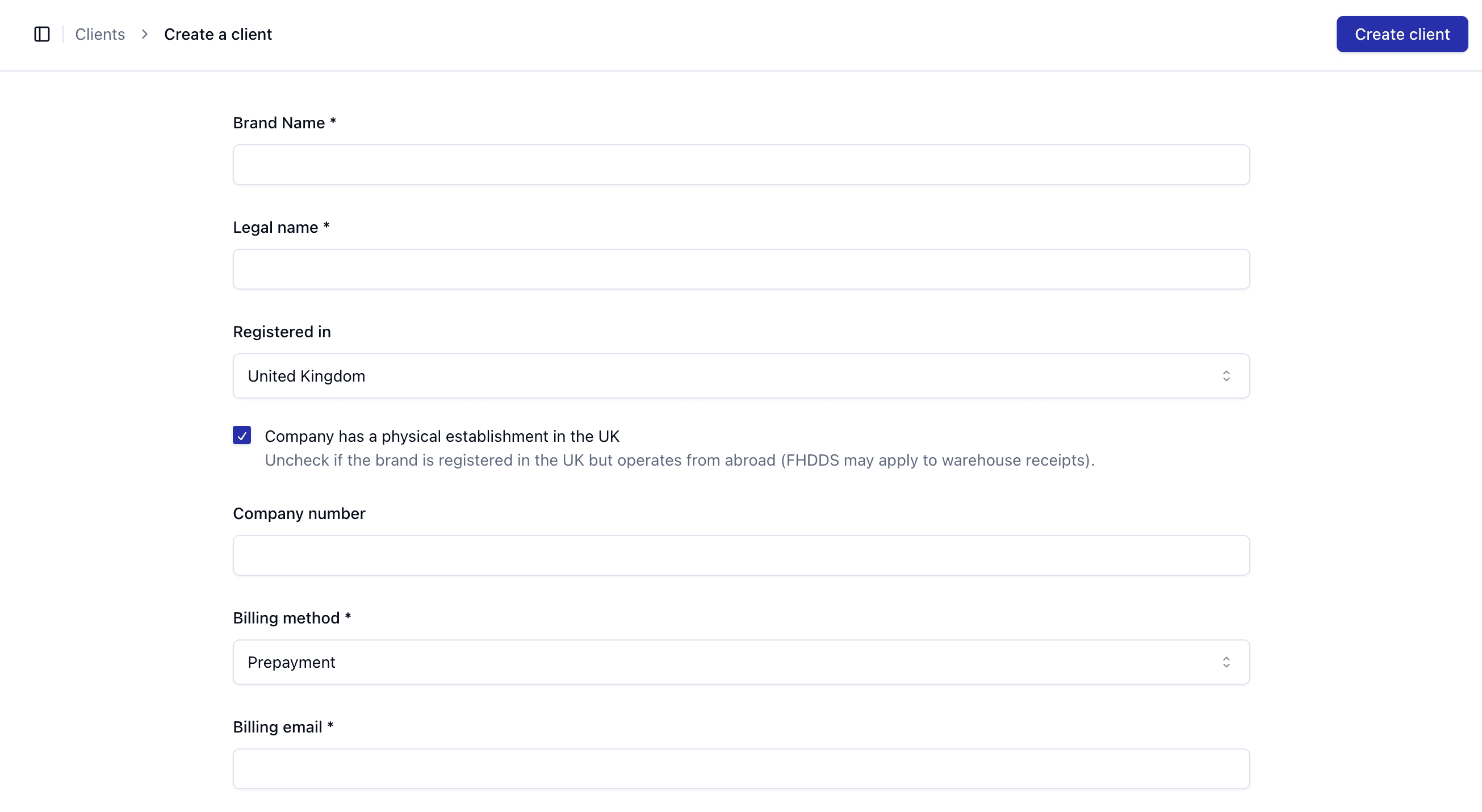
Core Fields
When creating a client, you will need to provide:
Brand Name – The public-facing name of the business
Legal Name – The registered legal entity
Registered In – The country the business is registered in
Company Number – Official registration number (if applicable)
Billing Method – How the client will be billed (e.g. Prepayment)
Billing Email – Where invoices and billing communications are sent
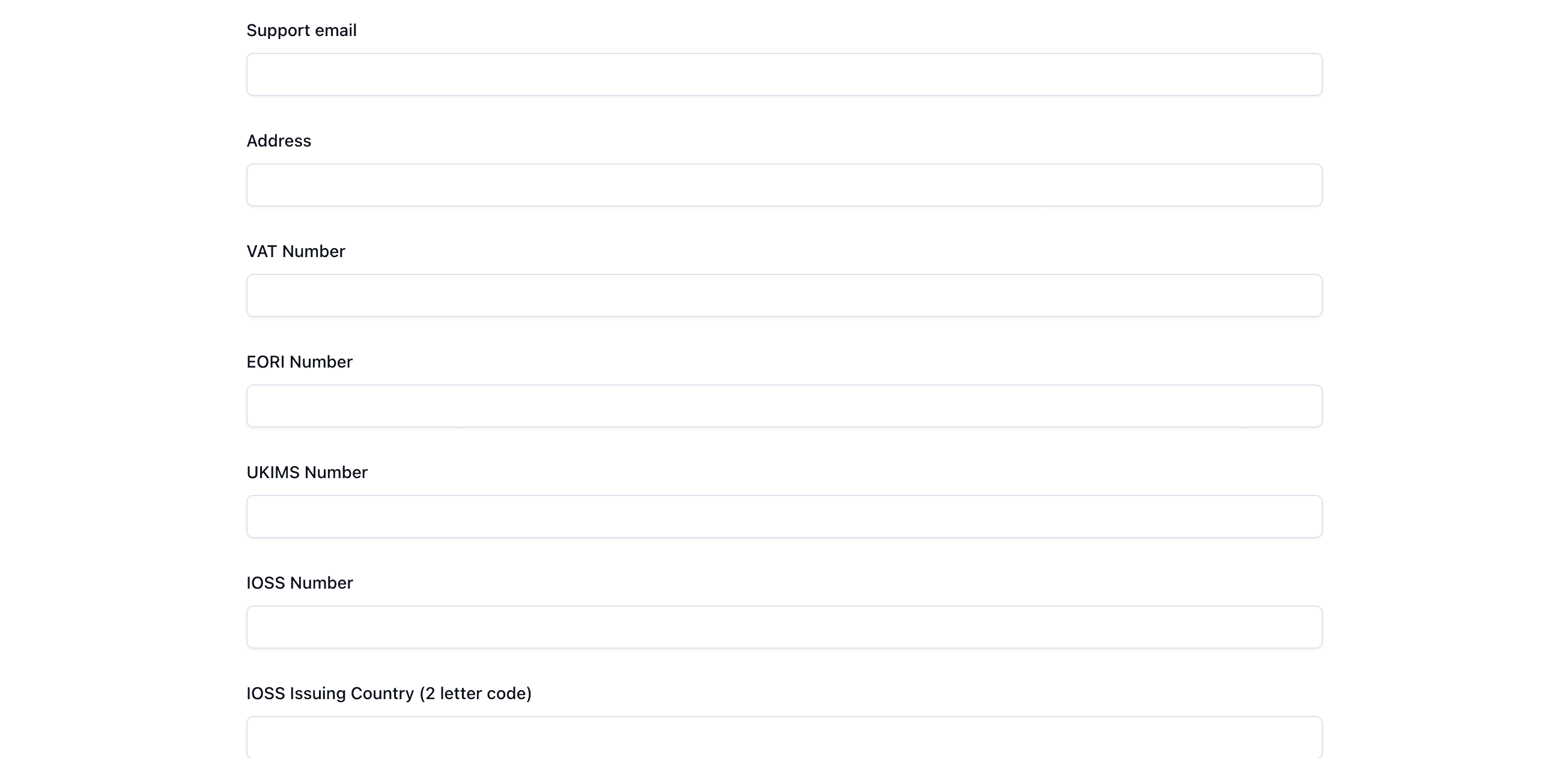
Additional Details
You may also be asked to provide:
Support Email – Contact email for operational or support queries
Address – Registered business address
Advanced Fields Explained
These fields are important for international shipping, tax, and compliance:
VAT Number
Used for tax identification within the UK and EU.
This may affect how VAT is applied to shipments and invoices.
EORI Number
The Economic Operators Registration and Identification number is required for importing and exporting goods internationally.
Without this, shipments may be delayed at customs.
UKIMS Number
Used for movements of goods under specific UK schemes (such as Northern Ireland trade).
This is only required in certain scenarios.
