How to Create Bulk Orders
Overview
Bulk order creation allows you to upload multiple orders at once using a CSV file.
This is typically used for:
• High-volume order processing
• Uploading external or offline orders
• Migrating order data
The process follows six steps:
Upload file
Map fields
Process data
Review orders
Upload orders
Review results
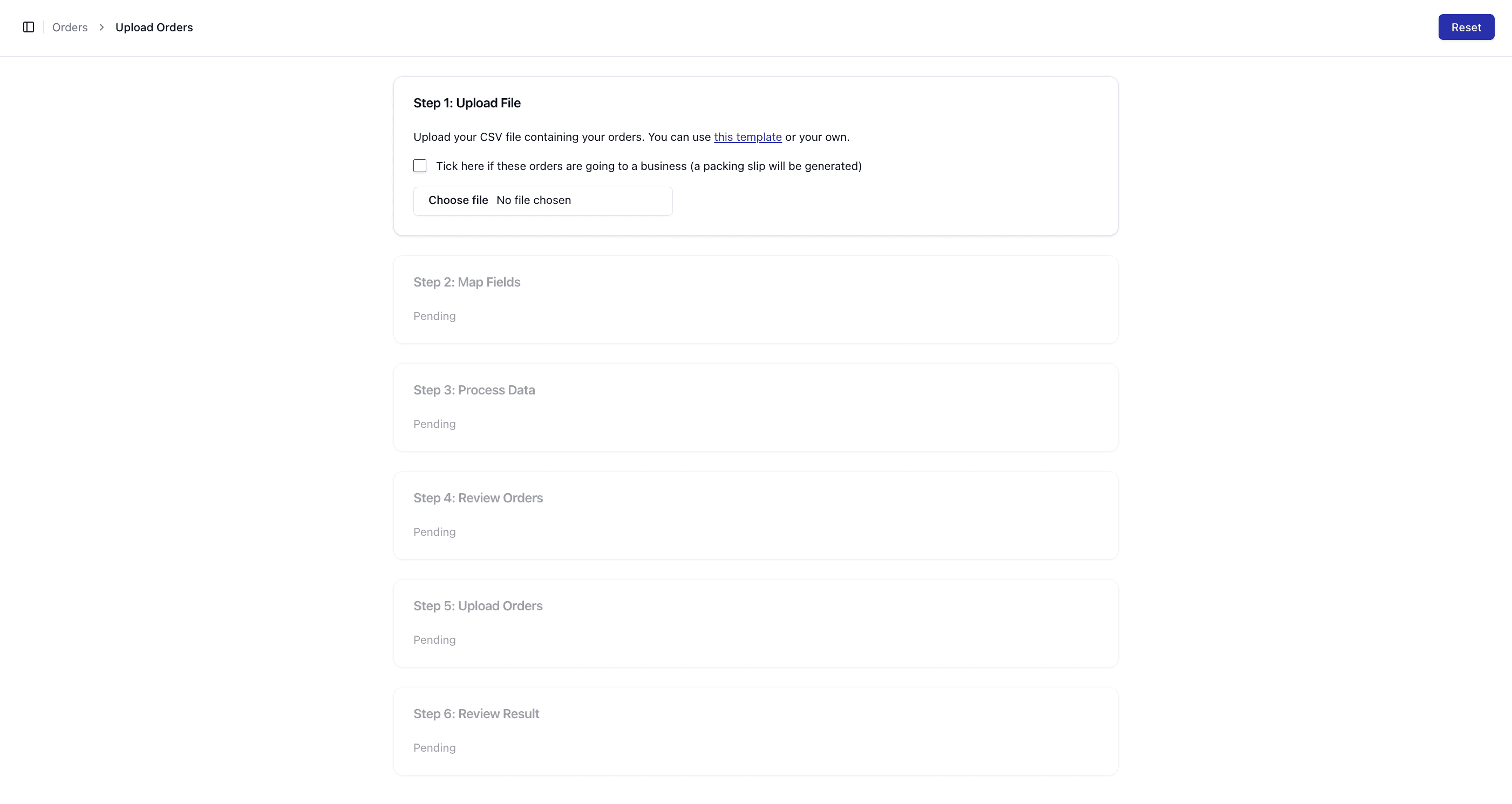
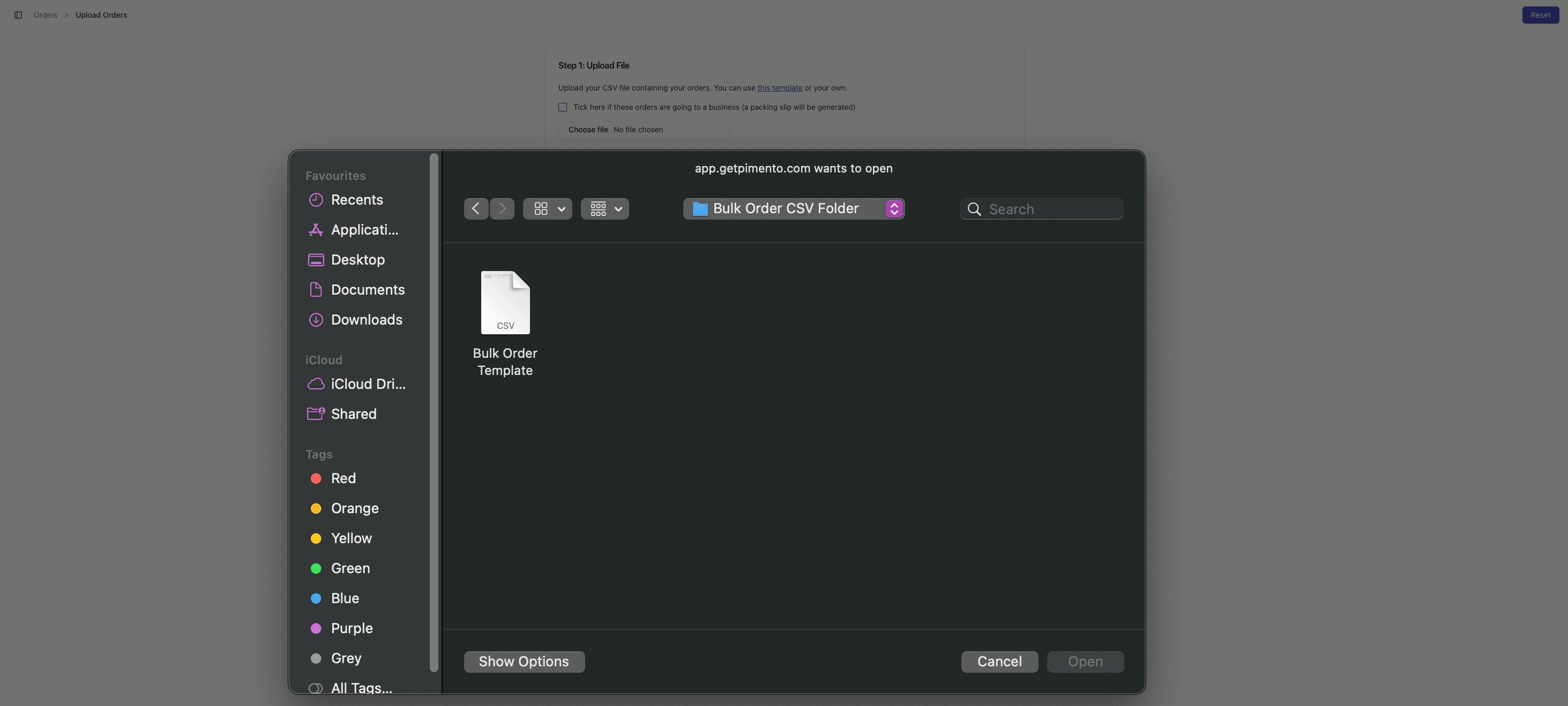
Step 1: Upload File
Upload your CSV file containing order data.
• Use the provided template or your own file
• Option to mark orders as B2B if required
For more detail, see:
• Uploading a CSV File
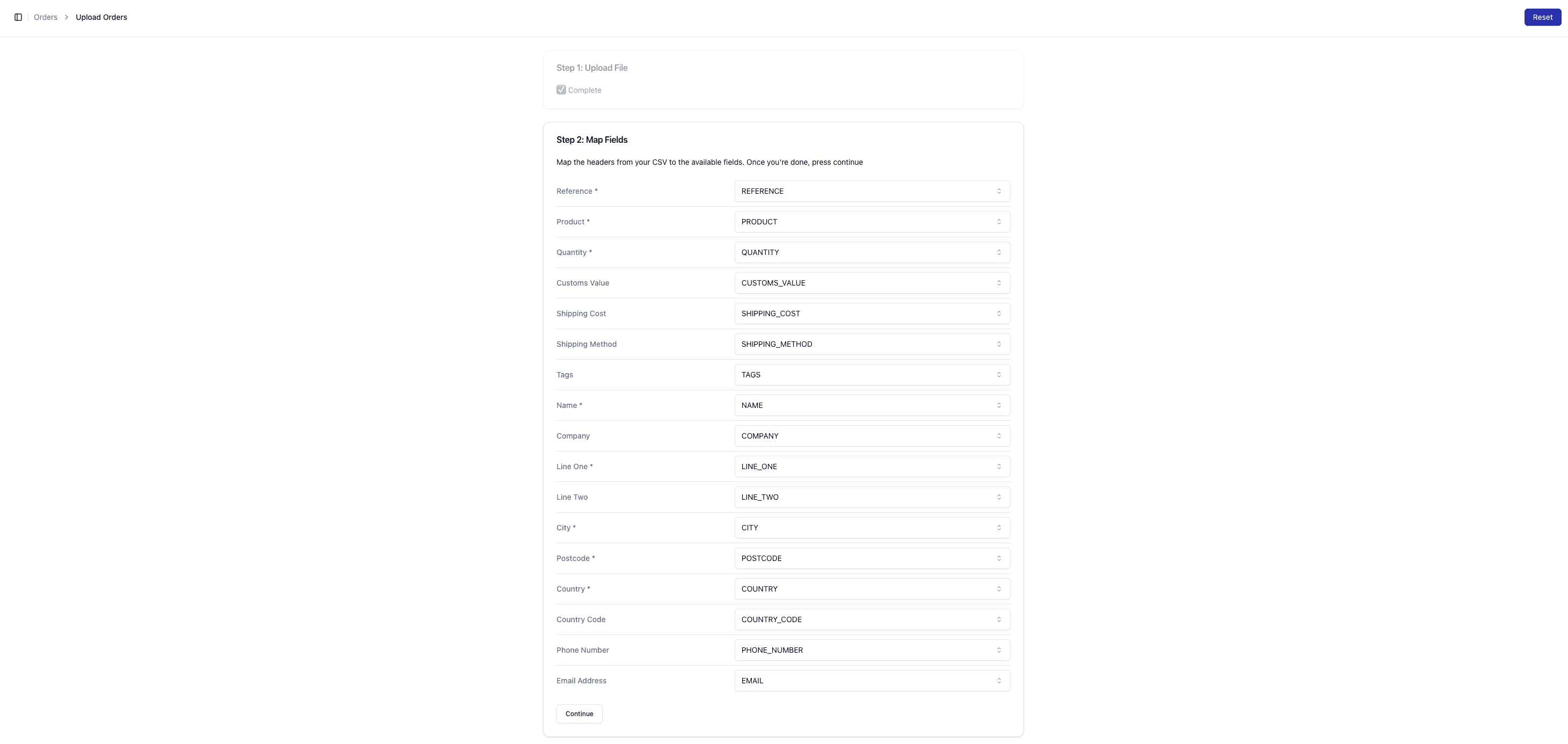
Step 2: Map Fields
Match your CSV columns to Pimento fields.
For more detail, see:
• Mapping Fields Correctly
Step 3: Process Data
Pimento validates and processes your data.
For more detail, see:
What Happens During Data Processing
Resolving Data Processing Errors
Step 4: Review Orders
Review the orders before final upload.
For more detail, see:
• Reviewing Orders Before Upload

Step 5: Upload Orders
Submit the orders into the system.
For more detail, see:
• Uploading Bulk Orders
Step 6: Review Results
Check which orders were successfully created.
For more detail, see: • Reviewing Upload Results