Managing Workflows (Edit, Archive, and View Runs)
Editing Workflows
To edit a workflow:
• Select Edit from the workflow list
You can update:
• Triggers
• Checks
• Actions
Archiving Workflows
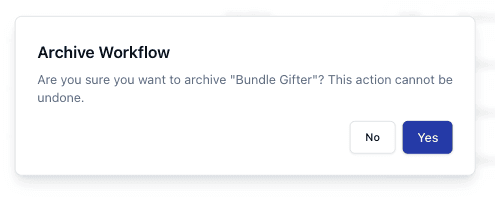
To archive a workflow:
• Select Archive
This will:
• Disable the workflow
• Prevent it from running
Viewing Workflow Runs
You can view workflow execution history using View Runs.
This allows you to:
• Track when workflows ran
• Confirm actions performed
Important Notes
• Archiving is permanent unless recreated
• Editing live workflows may affect operations
• Run history helps with troubleshooting
• Always review workflows after changes
FAQs
Can I unarchive a workflow?
No — archived workflows must be recreated
What is a run?
A single execution of a workflow
