Moving Inventory with Location Transfers
What is a Location Transfer?
A Location Transfer moves all inventory from one warehouse location to another.
This is useful when you need to clear, reorganise, or consolidate warehouse locations.
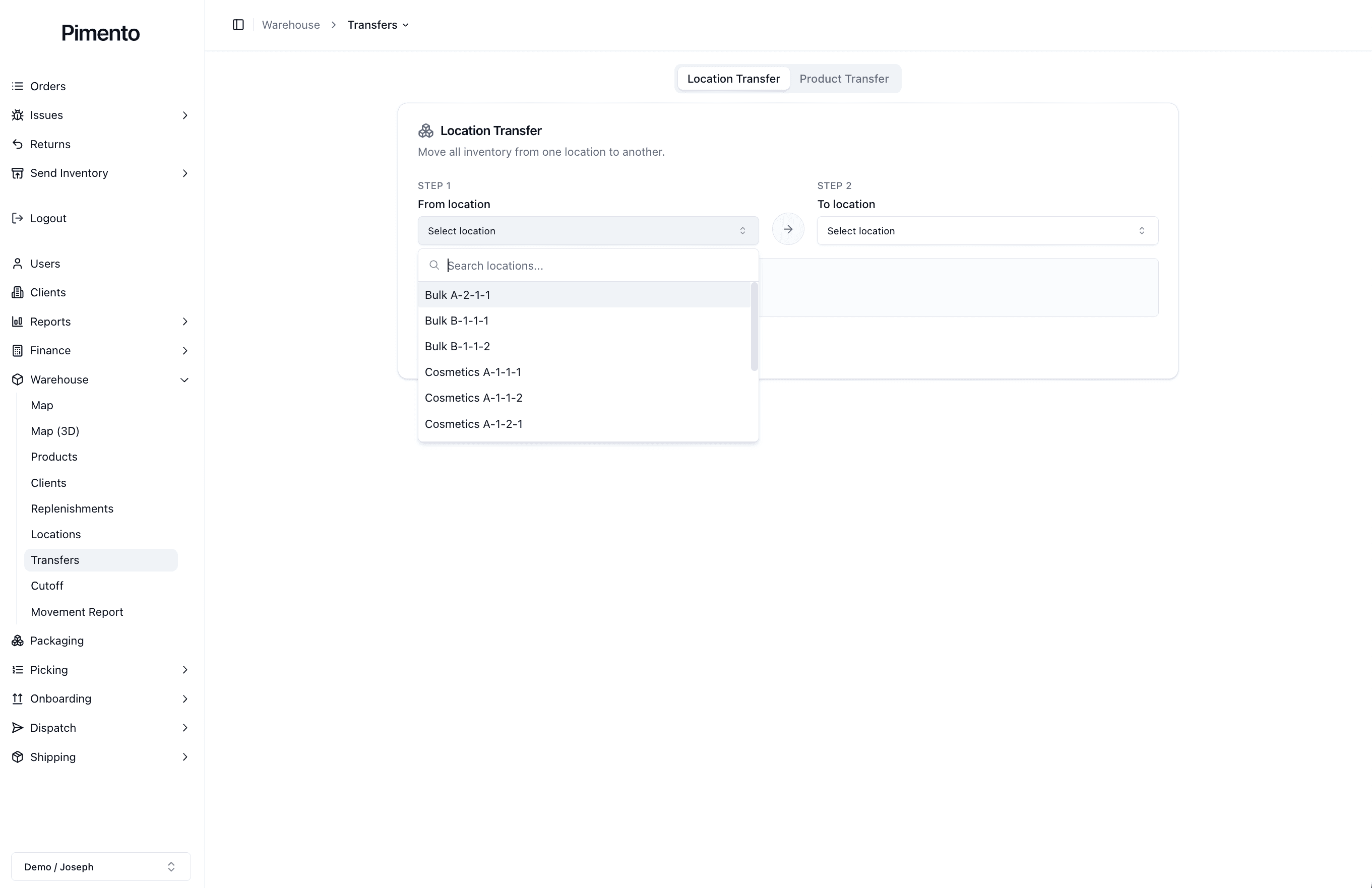
How Location Transfers Work
The Location Transfer tool has two main steps:
Step 1: Select the “From location”
Step 2: Select the “To location”
The “From location” is where the inventory is currently stored.
The “To location” is where the inventory will be moved.

When Should You Use a Location Transfer?
You should use a Location Transfer when you want to move everything stored in one location into another location.
This may be useful when:
A location is being cleared
Inventory is being moved into backstock
A warehouse layout is changing
A pickable location needs to be reorganised
Stock needs to be consolidated
What Does a Location Transfer Affect?
A Location Transfer affects the inventory stored in the selected source location.
When the transfer is completed:
Stock is removed from the original location
Stock is added to the new location
The product itself does not change
The inventory quantity does not change overall
The location history is updated
This means the inventory still exists, but it is now stored somewhere else.
How Do I Know the Location Transfer is Complete?
Once the transfer has been completed, the source and destination locations will update.
You can check the transfer by reviewing:
The original location
The new location
The Warehouse Clients page
The Movement Report
Important Notes
Location Transfers move all inventory from one location to another.
If you only need to move a specific product or a specific number of units, use Product Transfer instead.
