Moving Stock with Product Transfers
What is a Product Transfer?
A Product Transfer moves a selected number of units of one product from one warehouse location to another.
Unlike a Location Transfer, a Product Transfer does not move everything in the location.
It only moves the product and quantity you choose.
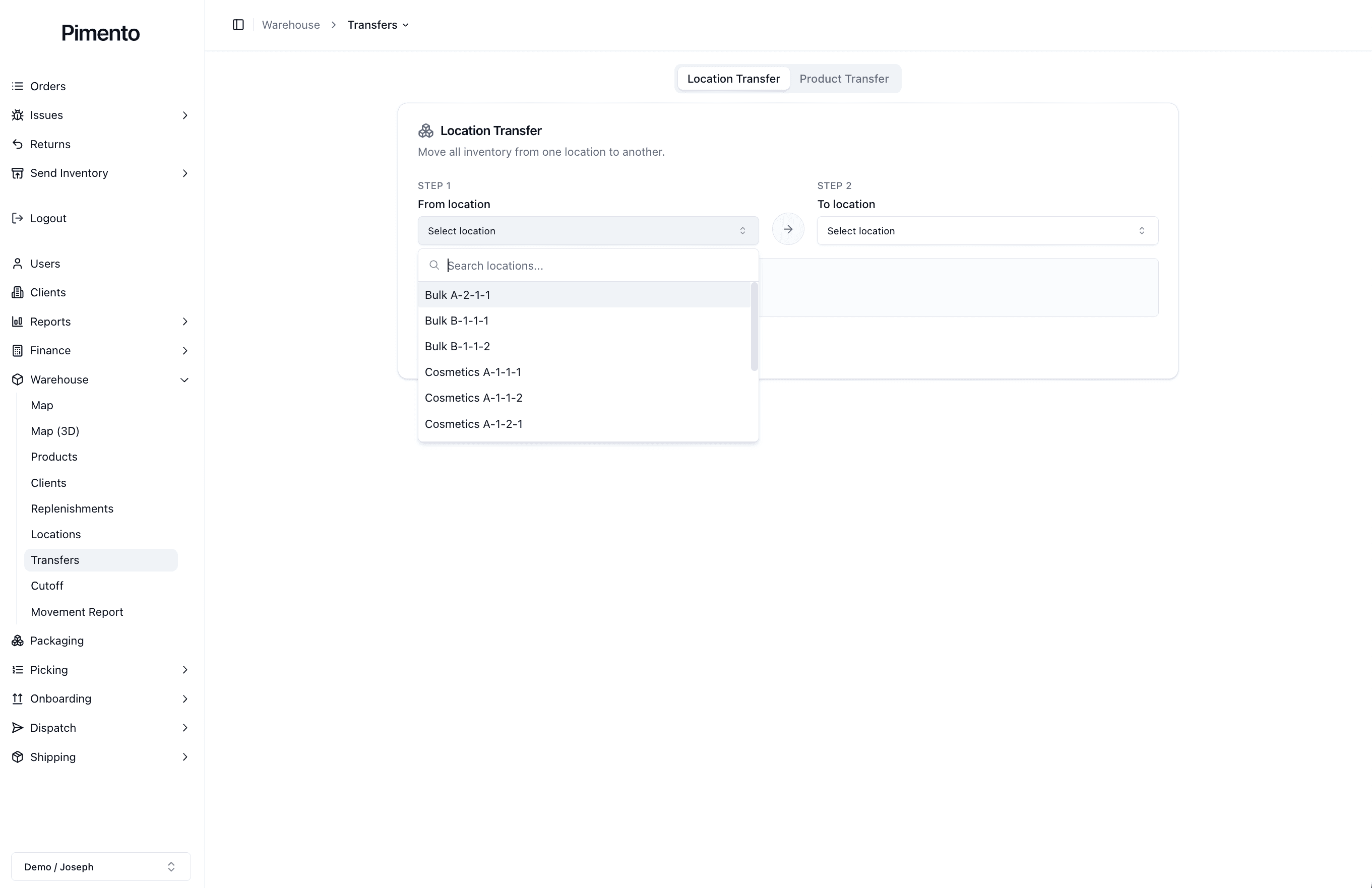
How Product Transfers Work
The Product Transfer tool has four steps:
Step 1: Select the “From location”
Step 2: Select the “To location”
Step 3: Select the product
Step 4: Enter the number of units to transfer
Once these fields are completed, Pimento will move the selected quantity from the source location to the destination location.
When Should You Use a Product Transfer?
You should use a Product Transfer when only part of the inventory needs to be moved.
This may be useful when:
Refilling a pickable location
Moving stock from backstock
Moving a product to a better picking location
Correcting stock that is in the wrong location
Moving damaged or separated inventory
What Does Transferring a Product Do?
When a product is transferred:
Units are removed from the source location
Units are added to the destination location
The total stock quantity stays the same
The product record remains the same
A movement record is created
The transfer changes where the stock is stored, not what the product is.
Does a Product Transfer Affect Other Products?
No.
A Product Transfer only affects:
The selected product
The selected quantity
The selected source location
The selected destination location
Other products in the same location are not moved or changed.
Important Notes
Use Product Transfer when you need to move specific units of a product.
Use Location Transfer when you need to move everything from one location to another.
