Reports Summary Page Overview
Reports Summary
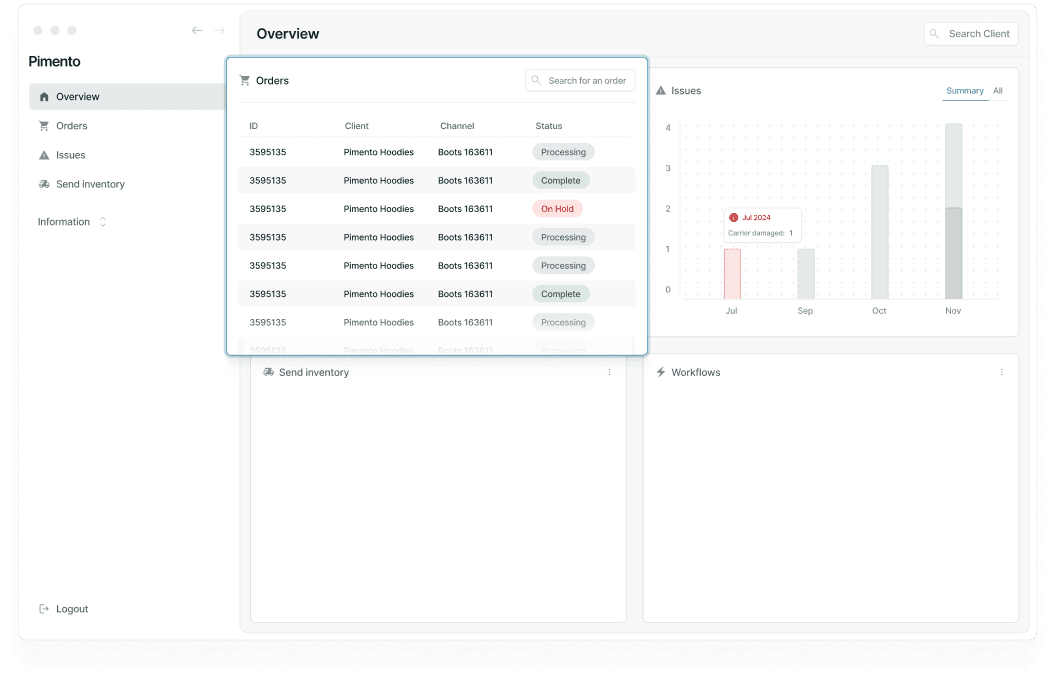
The Reports Summary page provides a high-level operational overview of your warehouse activity. It is designed to help supervisors and managers quickly identify work that requires attention without needing to navigate through multiple areas of the platform.
From this page you can monitor:
Orders that are waiting to be processed
Priority orders that require immediate attention
Recently packed orders
B2B orders currently in progress
ASN activity
Additional warehouse tasks
The Summary page acts as a live operational dashboard, making it useful for planning workloads and identifying bottlenecks throughout the day.

Overview Section
At the top of the page you will find the Overview section.
This highlights important order categories including:
Orders Pending
Orders Pending Overdue
Orders Picked Overdue
Orders Packed Overdue
These figures allow warehouse teams to quickly identify orders that may require intervention.
Priority Orders
The Priority Orders section displays orders that have been marked as urgent.
For each priority order you can view:
Order Number
Customer
Status
Assigned User
This helps supervisors ensure urgent orders are completed first.
Packed Orders
The Packed Orders section displays orders that have already been packed and are awaiting the next stage of fulfilment.
Information displayed includes:
Order Number
Description
Customer
Assigned User
B2B Orders
The B2B section highlights business-to-business shipments currently being processed.
This allows teams to monitor larger commercial orders separately from standard customer orders.
Information displayed includes:
Order Number
Description
Customer
Status
Deadline
Units
Assigned User
ASN Activity
The ASN section displays incoming stock deliveries that have been scheduled through Advanced Shipping Notices (ASNs).
This allows warehouse teams to see incoming inventory that may require receiving and put-away activities.
Information displayed includes:
Order Number
Customer
Status
Deadline
Units
Assigned User
Additional Tasks
The Additional Tasks section is used to track operational activities that sit outside of standard order fulfilment.
Examples include:
Stock Checks
Kitting Projects
Barcoding Work
Returns Processing
This provides visibility of warehouse work that may otherwise be difficult to track through normal order workflows.
FAQs
Who should use the Reports Summary page?
Warehouse supervisors, operations managers, and team leaders who need a quick overview of warehouse activity.
Does this page update automatically?
Yes. The information shown reflects the current operational state of your warehouse.
Can I manage orders from this page?
The Summary page is primarily designed for monitoring activity, but individual orders can be accessed from their relevant sections where available.