Returns Page Overview
Navigating the Returns Page
The Returns Page is where all customer returns are managed
From here, you can:
• View all returns
• Track return statuses
• Access individual return details
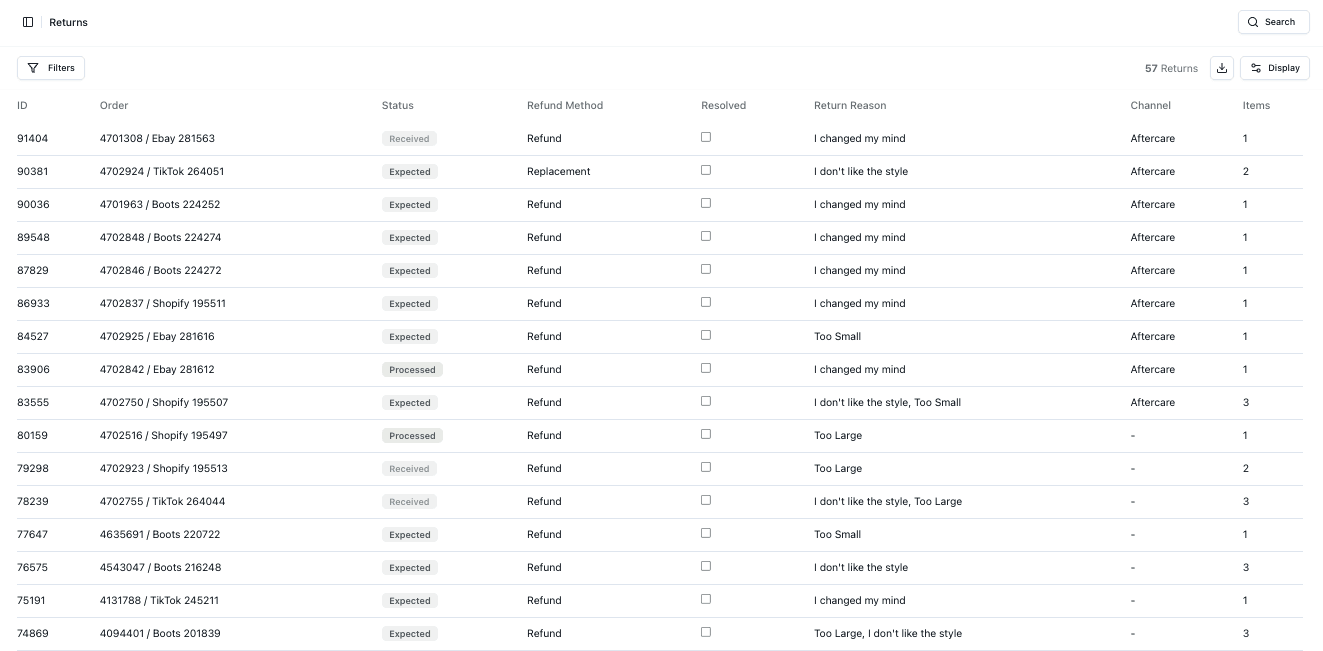
Returns List
The table displays key return information:
• Order reference
• Status
• Refund method
• Return reason
• Channel
• Items
This provides a clear overview of all return activity
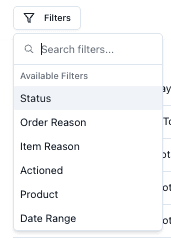
Filtering Returns
You can filter returns using:
• Status
• Order Reason
• Item Reason
• Actioned
• Product
• Date Range
Return Statuses
Returns move through different stages:
• Expected → Return is anticipated
• Received → Items have arrived at the warehouse
• Processed → Return has been completed
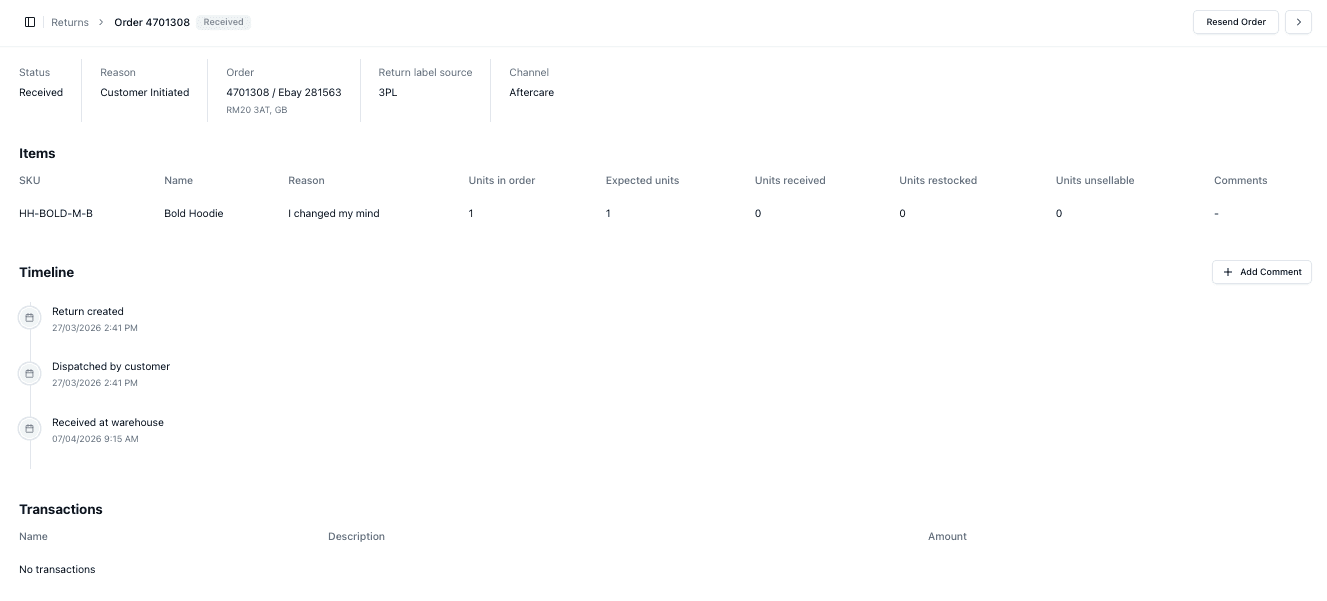
Viewing an Individual Return
Clicking a return opens the detailed view
From here, you can:
• View items in the return
• See quantities (expected, received, restocked)
• Track the timeline
• View transaction details
Important Notes
• Return statuses indicate progress
• Filtering helps prioritise work
• Not all returns are immediately processed
• Always review individual returns for full details
FAQs
What does “Expected” mean?
The return has been initiated but not yet received
Can I see item-level return details?
Yes — within the individual return view
