Transactions Page Overview
What is the Transactions page?
The Transactions page shows all billing activity as individual line items.
From this page, you can:
• View all transactions
• See charge details
• Filter results
• Download data
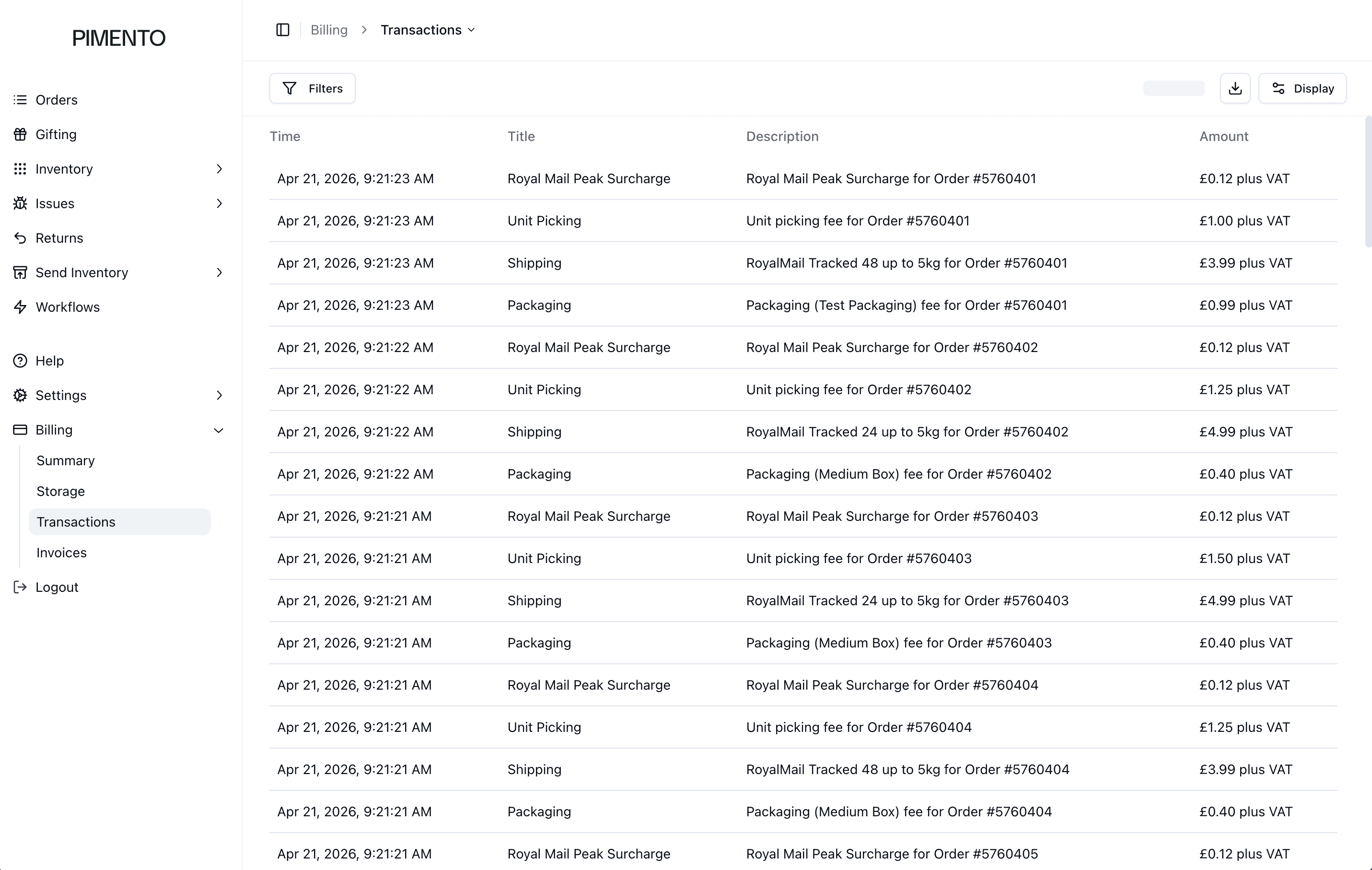
Understanding the transaction list
Each row represents a billing event.
Columns include:
• Time
• Title
• Description
• Amount
Time
Shows when the transaction occurred.
Title
Shows the type of charge.
Examples include:
• Shipping
• Unit Picking
• Packaging
• Carrier surcharges
Description
Provides more detail, often including:
• Order number
• Service used
Amount
Shows the value of the charge. (Some values are shown as plus VAT)
Filtering transactions
Use the Filters button to narrow down results. This is useful when reviewing specific charges or time periods.
FAQs
What is the difference between Transactions and Invoices?
Transactions are individual charges. Invoices group them together.
Can I see which order a charge relates to?
Yes — it is shown in the description.
