Wallet Balance Overview
What is the Wallet Balance Page?
The Wallet Balance page provides visibility of client account balances held within Pimento.
This allows finance teams and account managers to monitor available funds and identify clients who may require additional top-ups.
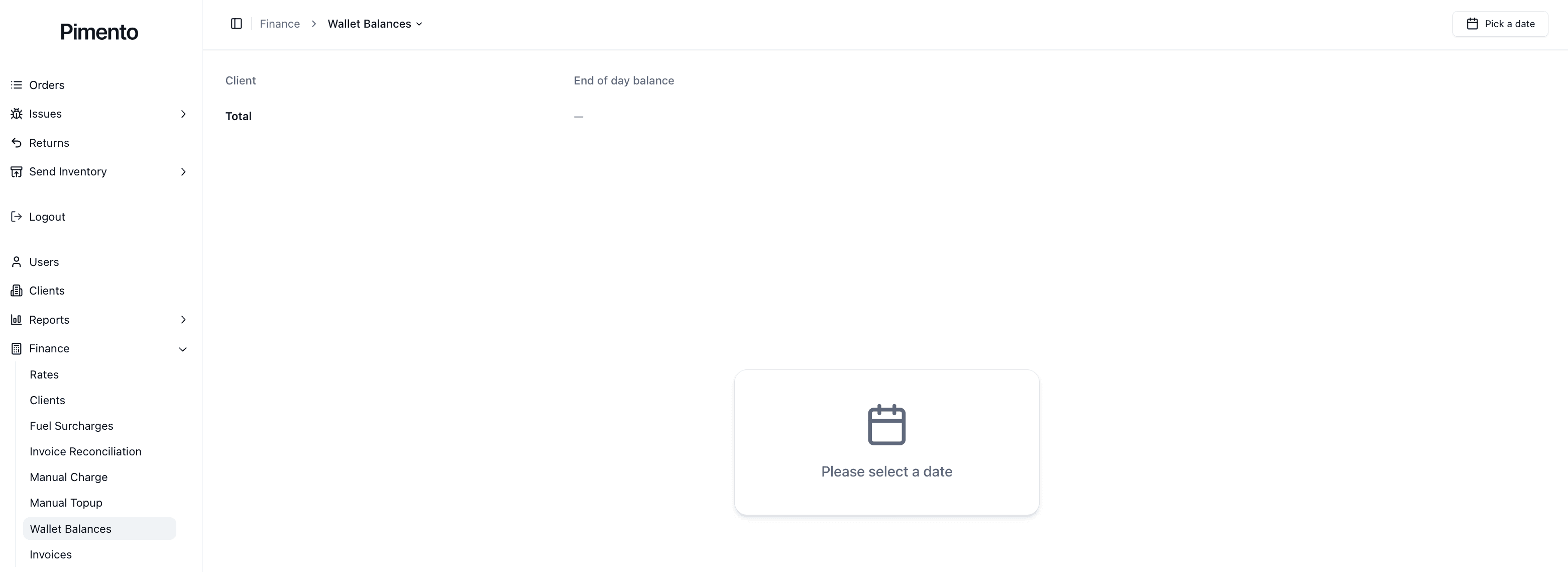
Understanding the Wallet Balance Page
The Wallet Balance page displays information including:
Client name
Current wallet balance
Available actions
Balance status
This provides a quick overview of funding levels across all clients.
Why are Wallet Balances Important?
Wallet balances help ensure that sufficient funds are available to cover:
Shipping costs
Fulfilment costs
Operational charges
Additional billable activities
Monitoring balances helps prevent service interruptions caused by insufficient funds.
Monitoring Wallet Balances
Regularly reviewing wallet balances allows teams to:
Identify low balances
Plan future top-ups
Support client communications
Reduce operational delays
Clients with low balances may require action before additional services can be processed.
Using Wallet Balances Operationally
Finance teams commonly use wallet balances to:
Review client funding levels
Track top-up activity
Investigate billing questions
Monitor account health
Important Notes
Wallet balances represent available funds.
Low balances may impact future operations.
Manual Top-Ups can be used to increase balances.
Regular reviews help avoid funding issues.
FAQs
What happens if a wallet balance reaches zero?
This depends on your organisation's billing rules and account setup.
Can balances be increased manually?
Yes. Manual Top-Ups can be used to add funds.
Should wallet balances be monitored regularly?
Yes. Regular monitoring helps prevent operational issues.
Can clients view their own balance?
This depends on your organisation's configuration and permissions.
